Exercise Bikes: Health Data Sync Reliability Test
By Hyejin Park • 23rd Mar
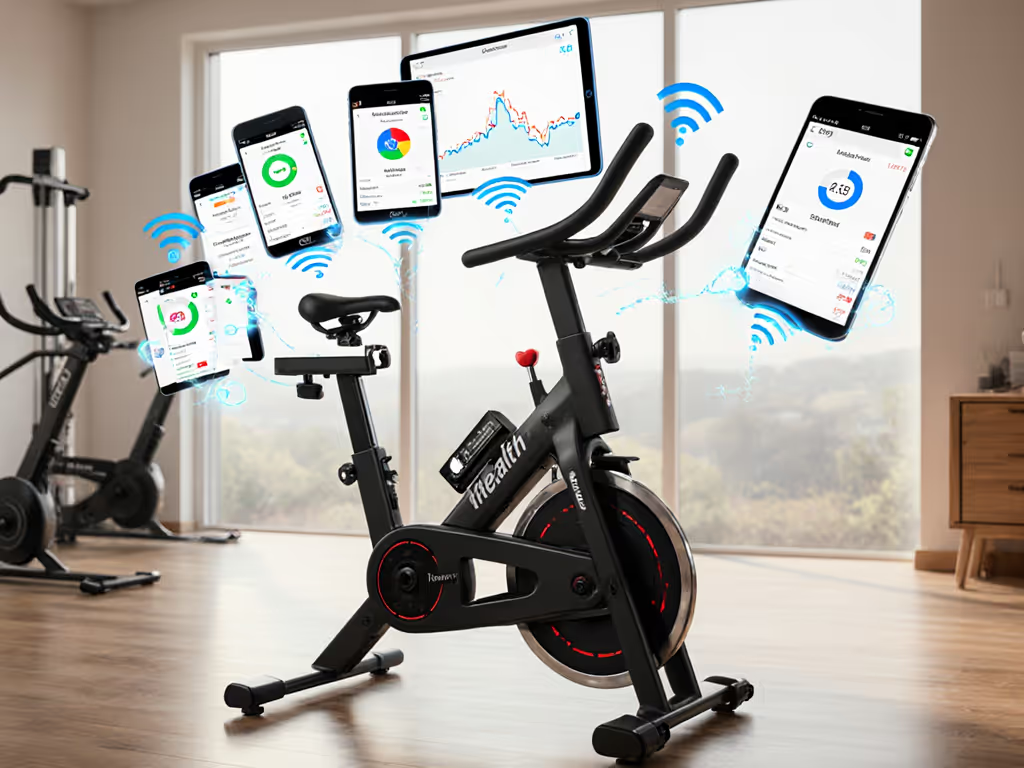
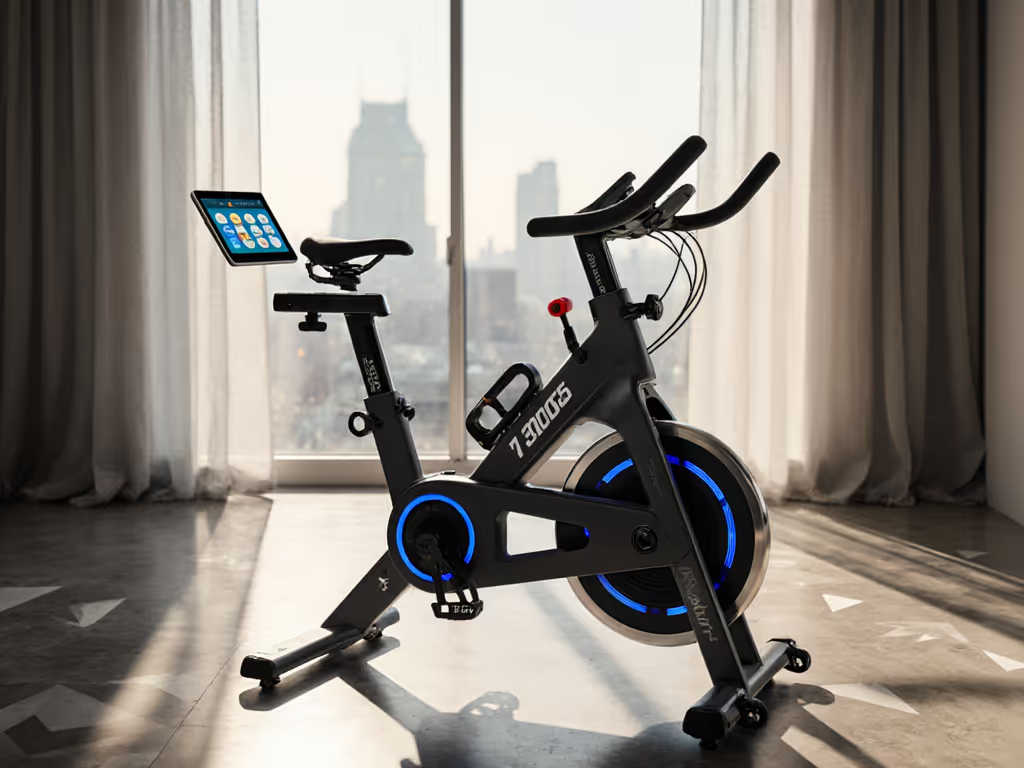
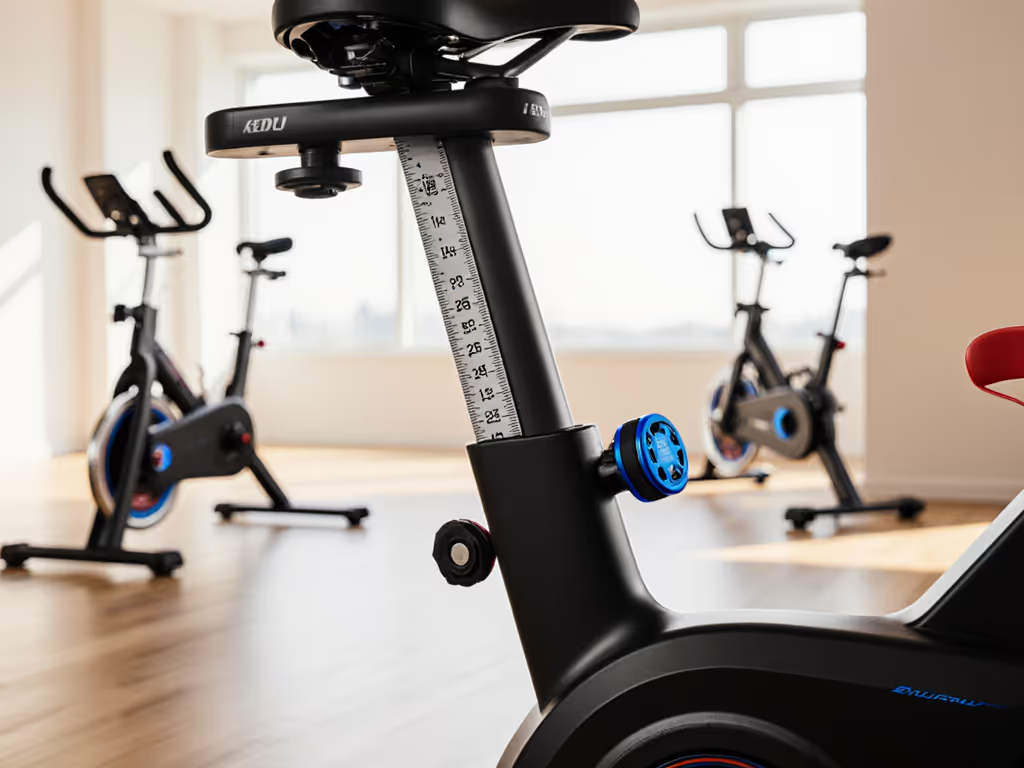
Choosing an exercise bike health app integration strategy is just as critical as choosing the bike itself, because if your workout data vanishes into a proprietary silo, you lose continuity, lose motivation, and lose insight into the larger picture of your health. The difference between a bike that speaks fluently to your fitness ecosystem and one that does not can be the margin between a habit that sticks and a $500 closet ornament. I learned this when I set up a single bike for a multigenerational test: five riders, one bike, four different phones. The moment we realized the bike's app would not sync to Apple Health for one user but worked fine for another, we had to troubleshoot before the youngest could even log their first ride. That single friction point nearly derailed the whole test. Fit first, everything else follows, and that includes your data.
What Makes Health Data Sync Reliable?
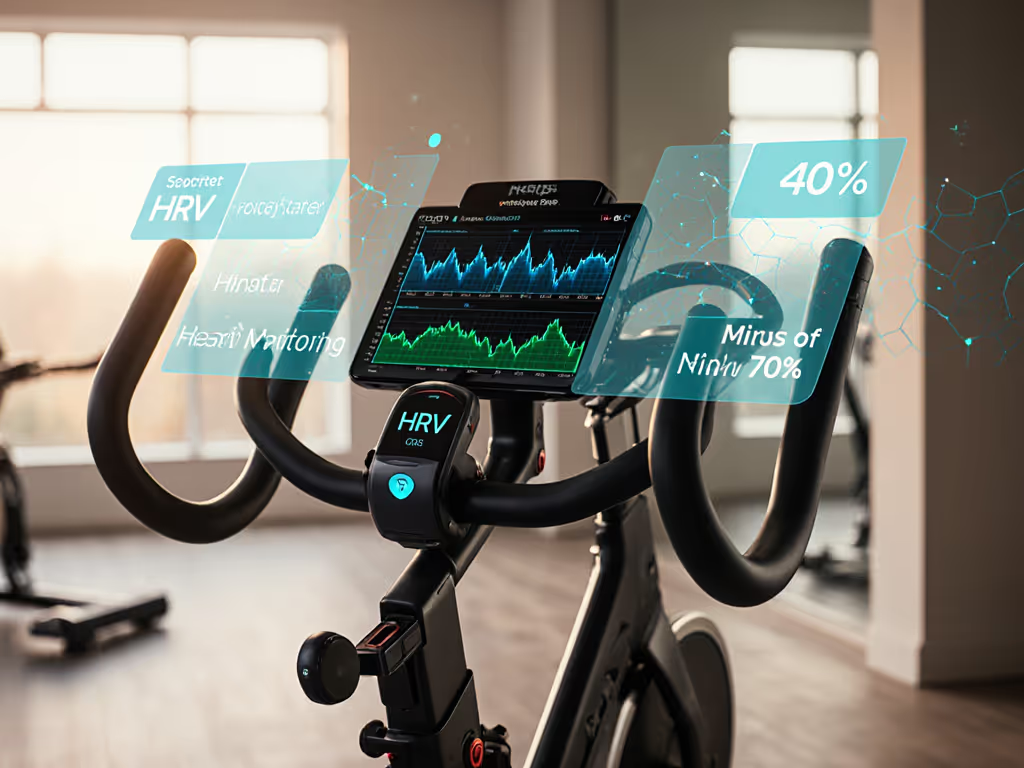
Reliability in health data synchronization is not a mystery; it rests on three pillars: standardization, transparency, and bidirectional support. Most exercise bikes today offer either proprietary closed ecosystems or open-standard protocols. For a deeper dive into interoperability and API support across brands, see our fitness API compatibility guide. The open-standard bikes (those that broadcast power, cadence, and heart rate via Bluetooth FTMS (Fitness Machine User Data Service) or ANT+ FE-C) give your data multiple paths to land. Apple Health and Google Fit both serve as universal aggregators, but they work differently. Apple Health acts as a passive hub; it collects data from apps and devices that write to HealthKit. Google Fit functions as both an aggregator and a standalone app, with its own tracking interface and more than 100 fitness metrics. Neither forces you into a single app ecosystem. A bike that integrates with both platforms (via standard protocols rather than proprietary APIs) gives you optionality. That optionality is what prevents lock-in.
FAQ: Compatibility, Integration, and Real-World Testing
Q1: Does My Exercise Bike Need "Apple Health Integration" to Be Useful?
Not strictly, but it depends on your ecosystem. If you own an iPhone, Apple Watch, and use multiple fitness apps (say, Strava for cardio awareness and MyFitnessPal for nutrition), then Apple Health integration is the connective tissue. Any app that writes to HealthKit (your bike's companion app, a third-party training app, your watch) populates Apple Health automatically. You see all your workouts, heart rate, and calories in one place without logging in separately. This matters for long-term adherence because friction kills consistency.
However, if your bike uses an open standard like Bluetooth FTMS, you can bypass the bike's app entirely. Third-party apps like Zwift, TrainerRoad, or Kinomap will recognize the bike as a standard smart trainer and log power and cadence directly to their own ecosystems, which then sync to Apple Health. So you gain flexibility: today you use the bike's app, tomorrow you use Zwift, and your data flows to Apple Health either way. If you want hardware that plays nicely with multiple ecosystems, start with our picks for smart bikes that work with any fitness app.
Checklist:
- Verify the bike supports Bluetooth FTMS or ANT+ FE-C (open standards).
- Test that at least one third-party app you actually use can communicate with the bike.
- Confirm the bike's native app writes to HealthKit (if you care about a unified dashboard).
Q2: What about Android Users and Google Fit Compatibility?
Google Fit compatibility operates on the same principle as Apple Health, but with a key difference: Google Fit has been less dominant in the Android ecosystem. It functions as both a data warehouse and a standalone app, but many Android users do not use it as their primary fitness app. Instead, they rely on third-party apps like Strava, Garmin Connect, or MapMyFitness. The good news is that Bluetooth FTMS is platform agnostic; any bike that broadcasts FTMS will work with any Android app that supports it. Many leading fitness apps integrate with Google Fit for data export, but the integration is sometimes looser than Apple's HealthKit on iOS.
Android also supports Wear OS smartwatches, and GPS-capable Wear OS watches can track workouts independently and sync via Google Fit. If you use a Samsung or Garmin device with Android, that brand's ecosystem may take priority over Google Fit, which is fine as long as your bike speaks the open-standard language.
Checklist:
- On Android, prioritize Bluetooth FTMS support in the bike.
- Test sync with your preferred app (Strava, Garmin, MapMyFitness) rather than assuming Google Fit will be the hub.
- Verify the bike app offers manual export (CSV, TCX, FIT) as a backup if cloud sync lags.
Q3: What Does "Samsung Health Connectivity" Really Mean?
Samsung Health connectivity is straightforward if you own a Samsung Galaxy phone, Galaxy Watch, or Galaxy Ring. Samsung Health aggregates activity, sleep, stress, and nutrition data into one interface. For an exercise bike to integrate, the bike's app must write data directly to the Samsung Health API, or the bike must broadcast Bluetooth FTMS so a third-party app (like Strava or Garmin) can intercept and sync to Samsung Health.
Samsung has also pushed integration with Google Fit; many Samsung Health-native features now flow to Google Fit as well. So a bike that "integrates" with Samsung Health really means the bike's app communicates with Samsung's ecosystem. The bike itself does not care about the phone brand; it is the app that does the handshake.
If you do not use Samsung devices, Samsung Health compatibility is irrelevant, but the principle applies to any brand ecosystem (Apple, Garmin, Polar, etc.). Look for bikes that integrate with your actual device brand, not hypothetical ones.
Checklist:
- If you use Samsung devices, ask the bike manufacturer directly: "Does your app write to Samsung Health's API?"
- If the bike supports Bluetooth FTMS, you can use any third-party app that bridges to Samsung Health.
- Test the setup before purchase if possible (demo stores, extended return windows).
Q4: How Do I Test Sync Reliability Before Buying?
This is the hardest question because most online reviews do not probe sync stability over weeks or months. Here is what I recommend:
Real-world testing mimics real conditions. When I tested that family bike, we did not just measure fit; we logged 12 consecutive weekday rides from different users, alternating between the bike's native app, Strava, and (where supported) Peloton. We tracked what synced, what lagged, what disappeared.
- Request a home trial or extended return window. Many direct-to-consumer brands offer 30 to 60 day returns. Use that window to test integration with your specific phone, apps, and wearables.
- Log a test ride and check three destinations: the bike's native app, your chosen third-party app (Strava, Zwift, etc.), and your phone's health dashboard. Did all three update within 5 minutes? Did heart rate sync? If readings are inconsistent, use our heart rate calibration checklist to verify sensors before blaming the app. Did you have to manually sync or reauthorize?
- Test with a second device (spouse's phone, a friend's) to catch multi-user bugs. Many bikes are supposed to support multiple users, but cloud sync sometimes chokes on account switching. This is where data loss happens.
- Check firmware age. Ask the manufacturer when the last firmware update was released and whether updates fix sync issues. Abandoned firmware = abandoned reliability.
- Consult independent forum testing: Strava user forums, Reddit's r/FitnessTracking, and cycling-specific communities will have users reporting if a bike's sync is flaky. Real users do not sugarcoat latency or data drops.
Q5: What about Accuracy? Does Sync Reliability Matter If Power Data Drifts?
It matters more. If your bike's power meter drifts by 50 watts over six months and you do not notice, you think you are making progress when you are not. Serious watt-based training benefits from bikes with verified power accuracy. Sync reliability is the feedback loop that lets you catch drift. A bike that syncs flawlessly but cannot calibrate is useless; a bike that syncs reliably and offers simple calibration (zero-load offset, spindown test) is gold.
When you sync to external apps like Zwift or TrainerRoad, those platforms compare your bike's power output to their power curves. If you drift, you will feel it. Workouts that worked yesterday suddenly feel harder. That is the canary in the coal mine; sync reliability + external cross-check = early detection of mechanical issues.
Checklist:
- Before each ride, check if the bike offers a pre-ride calibration option (usually a 30-second spindown).
- Log your average power and cadence for the first week; recalibrate weekly and log again at week 4 and week 12 to spot drift.
- If sync works reliably, you will notice power creep or decay within a month. If sync is flaky, you will never see the pattern.
The Bigger Picture: Data Ownership and Long-Term Adherence
I keep coming back to the fact that adherence beats wattage. A rider on a bike with unreliable sync often stops using it, not because the bike is slow, but because the friction is exhausting. Every third workout fails to log. Data disappears. You have to manually reenter it. The longer the bike stays in your home, the more that friction compounds. After three months of intermittent syncs, the bike shifts from "my gym" to "that broken thing." Comfort and adjustability are performance multipliers at home, and so is trustworthy data flow. To understand how platforms handle your information, read our exercise bike data privacy analysis.
When you shop for an exercise bike, ask these foundational questions:
- Does it broadcast Bluetooth FTMS or ANT+? (Signals openness; you are not locked into one app.)
- Which third-party apps does it integrate with? (Real-world flexibility matters more than marketing claims.)
- Can you export data as files (TCX, FIT, CSV) if cloud sync fails? (Ownership and control.)
- Does the manufacturer publish a sync troubleshooting guide? (A sign they take reliability seriously.)
- Can you demo it with your phone and watch for at least a week? (Home testing beats showroom testing every time.)
A bike that integrates cleanly with Apple Health, Google Fit, and Strava is a bike that will stay in your home for years because data flows, feedback loops close, and motivation sticks. That is not a headline metric. That is the difference between a habit and clutter.
Next Steps: Build Your Integration Baseline
Before you choose a bike, map your current ecosystem:
- List the apps you actually use. Not the ones you think you will use, the ones open on your home screen today. Strava? MyFitnessPal? Apple Fitness+? Garmin Connect? That is your baseline.
- Check each app's integration documentation. Look for a "Connected Devices" or "Compatible Hardware" page. Does your shortlist of bikes appear?
- Visit a forum or Discord channel for the bike brand. Search for "sync issues" or "health data." You will get real feedback in minutes.
- Request a spec sheet from the manufacturer that lists Bluetooth profiles, ANT+ support, calibration methods, and cloud sync details. If they hesitate or hand you marketing copy, that is a red flag.
- If possible, request a 30-day home trial. Log rides to your phone, watch, and favorite app for two weeks. If sync is seamless by week two, you have likely found your fit. If you are still troubleshooting by week four, you have not.
Data sync reliability is not glamorous, but it is foundational. It is the difference between a bike that feels fast and a bike that proves you are faster. Choose the latter.
Related Articles